
示例圖來源:知識分享官 · CC BY 4.0
心得與說明
怎麼填變量:[HTTP 協議] 換成任何想講清楚的知識點,如"複利""光合作用""RAG 檢索增強生成""勞動合同試用期"。主題越具體越好,"Python 裝飾器"比"Python"更容易排出好看的結構。需要特定內容時,可以在主題後面附上你想要的 5~8 個要點。
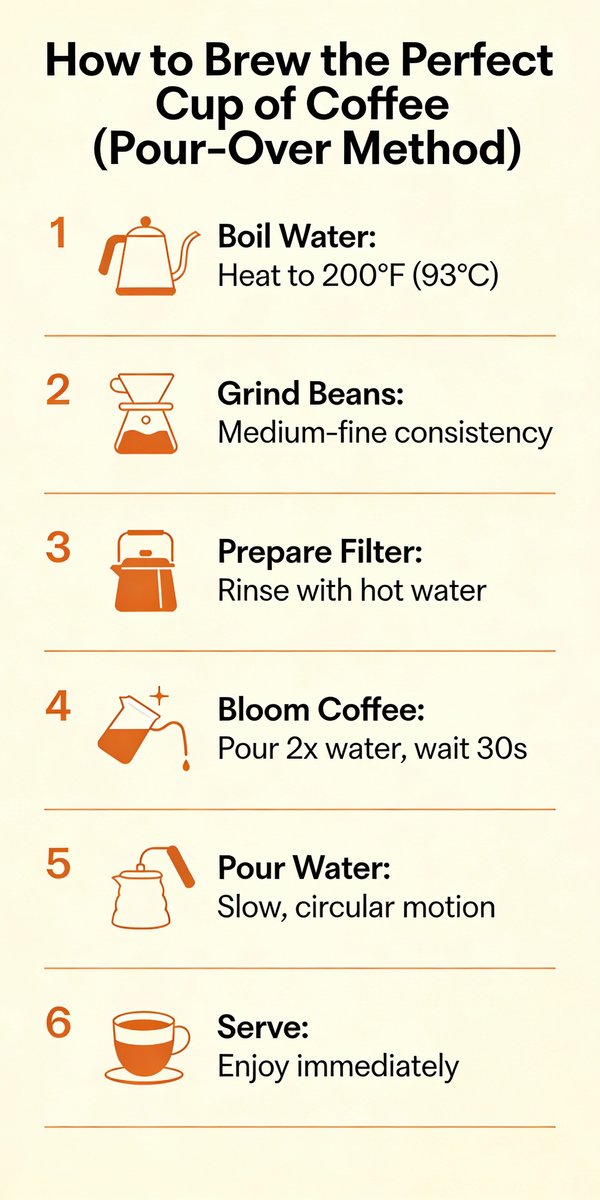
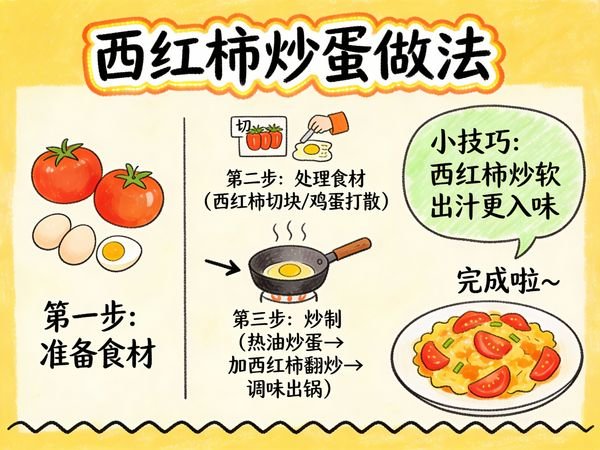
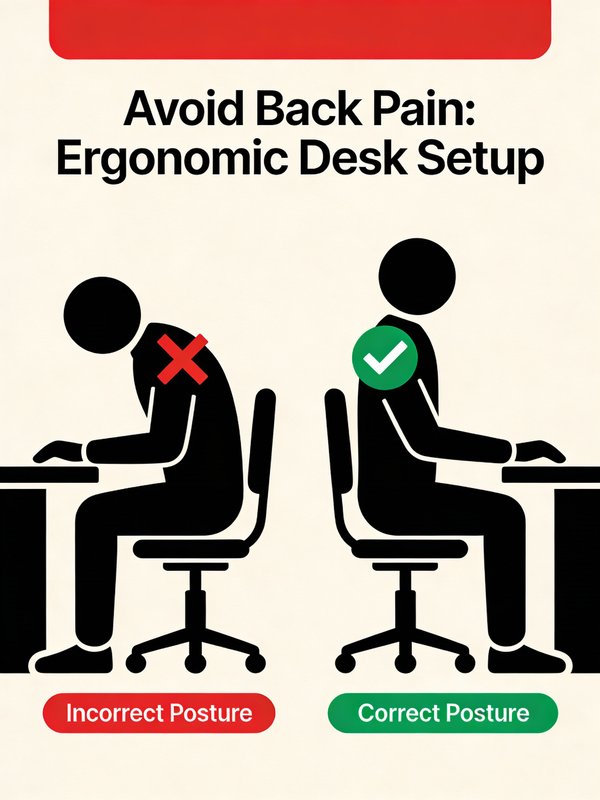
示例圖是淺色底的"HTTP 協議"資訊圖:頂部藍色大標題和瀏覽器 + 盾牌插畫,下面 8 張編號白卡片——什麼是 HTTP、工作原理(客戶端—伺服器示意)、核心特點、請求結構示例、響應結構示例、常見狀態碼(1xx~5xx 彩色標籤)、常見用途和核心總結。
常見問題:
- 代碼 / 示例文字出錯:請求報文、公式這類精確內容一定要核對,必要時在提示詞裏寫好原文。
- 卡片太多太擠:限定"最多 6 張卡片"。
- 做成橫版 PPT:把畫幅改成 16:9,並寫"3 列網格"。
適合:技術科普、學科知識點講解、課程講義、小紅書 / 公眾號知識卡片。
原版提示詞
text
A clean educational infographic poster explaining "{argument name="topic" default="Topic"}".

[Overall Style]
Modern minimalist UI style, background in soft light colors (e.g., cream #FAF7F2 / light gray-blue), restrained and comfortable color palette suitable for long reading sessions.

[Core Requirements (Key)]
Naturally organize content modules based on the information structure of the "topic". Do not force a fixed number or order of modules; prioritize clear logical information over formal symmetry.

[Layout (Adaptive)]
- Use grid layout (auto-select 2 columns / 3 columns / irregular distribution)
- Card count adjusts based on content (usually 5–9)
- High information density modules can be enlarged (higher visual weight)
- Simple modules can be shrunk or merged

[Card Design]
- White cards (#FFFFFF)
- Rounded corners + subtle shadows (soft layering)
- Maintain uniform spacing and alignment

[Each Information Module Includes]
- Simple illustrations (unified style)
- Clear headings (strong hierarchy)
- 1–3 core explanatory sentences (avoid wordiness)
- Examples / comparisons / summaries provided where necessary

[Content Organization Principles (Emphasis)]
Auto-select appropriate structure based on theme, e.g.:
- Concept type → definition + principle + characteristics + example
- Contrast type → A vs B (comparative structure)
- Process type → steps / flowcharts
- System type → components + relationships
- Skill type → methods + tips + common mistakes

[Visual Hierarchy]
- Title > Module Title > Main Text > Supporting Information
- Important info can be highlighted with color or icons

[Color Suggestions]
- Primary color: Choose based on theme (Tech=Blue, Learning=Green, Warning=Orange)
- Secondary colors: 1–2 types suffice
- Avoid high saturation and flashiness

[Style Requirements]
- Generous negative space, strong sense of "breathability"
- Unified icons (linear or flat)
- High readability as priority
- Clear educational orientation

[Extra Optimization (Optional)]
- Can include: comparison blocks / process arrows / structure diagrams
- Can have a "Core Summary" module as a visual finale.
改編自 知識分享官 發佈、YouMind-OpenLab/awesome-gpt-image-2 收錄的提示詞,許可證 CC BY 4.0,本站已翻譯並改寫(修改內容見 changes);示例圖來自同一條目。
同款作品
用這條提示詞做出來的作品;原作者會因此獲得積分
還沒有同款,來做第一個。

0 條評論
還沒有評論,來搶沙發~