
示例图来源:@iamaiistudio · CC0 1.0
心得与说明
怎么填变量:[国家名] 和 [地标名称] 是一对,例如"中国 / 天坛""日本 / 清水寺""法国 / 埃菲尔铁塔""埃及 / 金字塔";[背景色] 建议选和建筑色调相近的浅色,比如石质建筑配"沙黄色",红墙古建配"米白色"。示例图是沙黄色背景上的罗马斗兽场微缩模型:八边形底座上是残缺的环形竞技场,周围有石板路、柏树、小神庙和许多游客小人,上方是英文"ITALY"大字、"Colosseum"小字和一个拱门图标。
常见问题与调整:
- 建筑长得不对:加一句地标的关键特征,比如"三层圆形攒尖顶、蓝色琉璃瓦、汉白玉台基"。
- 中文标题错字:标题改短,或先出英文版再后期换字。
- 想做系列图:固定"同样的底座形状、同样的光线和字体",只换国家和地标,保证系列统一。
- 想做竖版:画幅改 3:4,标题放在模型上方,底座更紧凑。
适合:旅行 / 文旅宣传图、地理或历史课件、"世界地标"系列海报和壁纸;不适合需要精确建筑比例的专业用途。
英文原版
Generate an isometric miniature 3D diorama of [COUNTRY NAME]'s iconic [FAMOUS STRUCTURE] landmark from a 45-degree top-down perspective.

Use clean soft textures and realistic PBR materials with balanced, natural lighting. The elevated base features surrounding streets, landscape elements, and cultural details unique to the structure. Include tiny stylized figures of locals and tourists with detailed facial features.

Set the background to solid [BACKGROUND COLOR]. Display [COUNTRY NAME] in bold text at the top center with [STRUCTURE NAME] on the next line, followed by a minimal architecture icon below. Adjust text color to ensure contrast.
改编自 @iamaiistudio 发布、EvoLinkAI/awesome-gpt-image-2-API-and-Prompts 收录的提示词,仓库许可证 CC0 1.0。
同款作品
用这条提示词做出来的作品;原作者会因此获得积分
还没有同款,来做第一个。

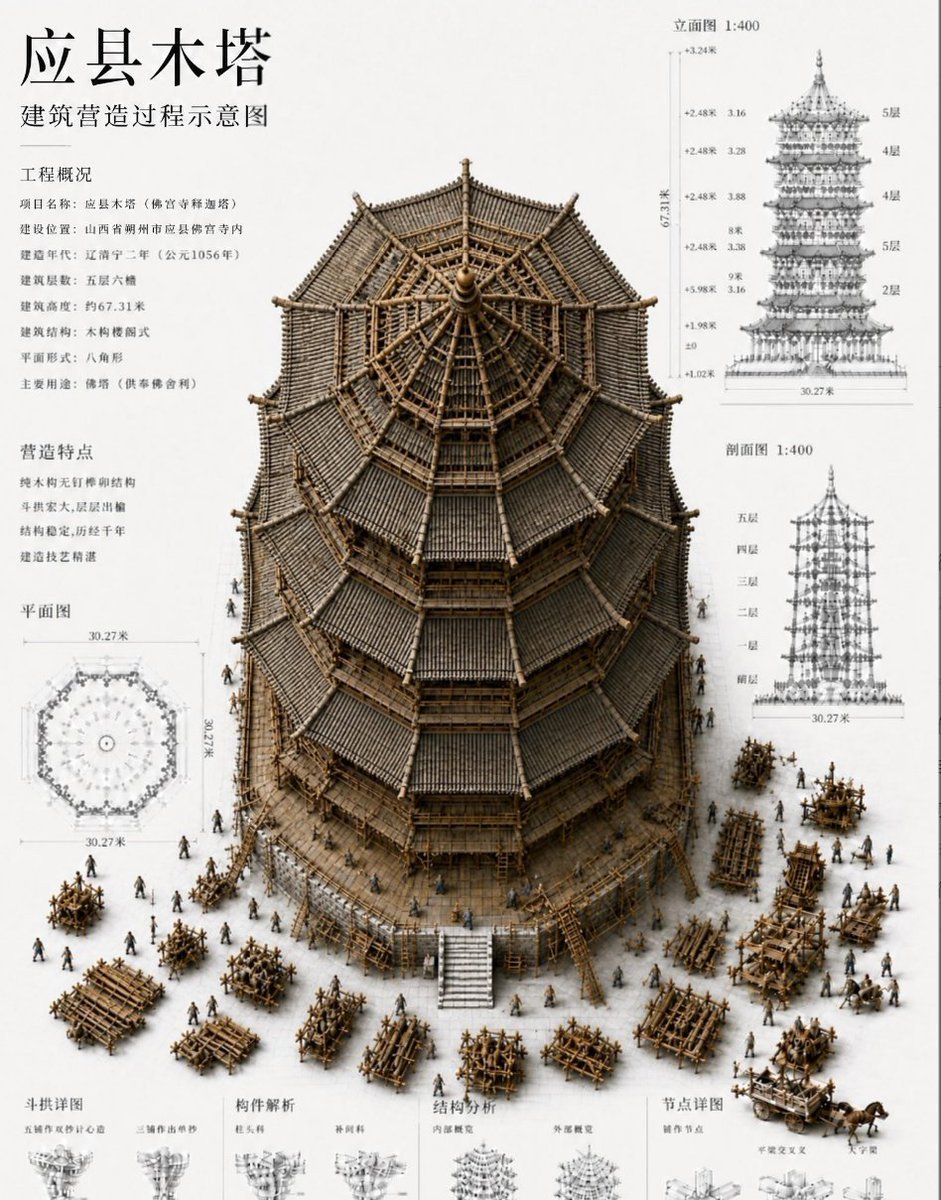
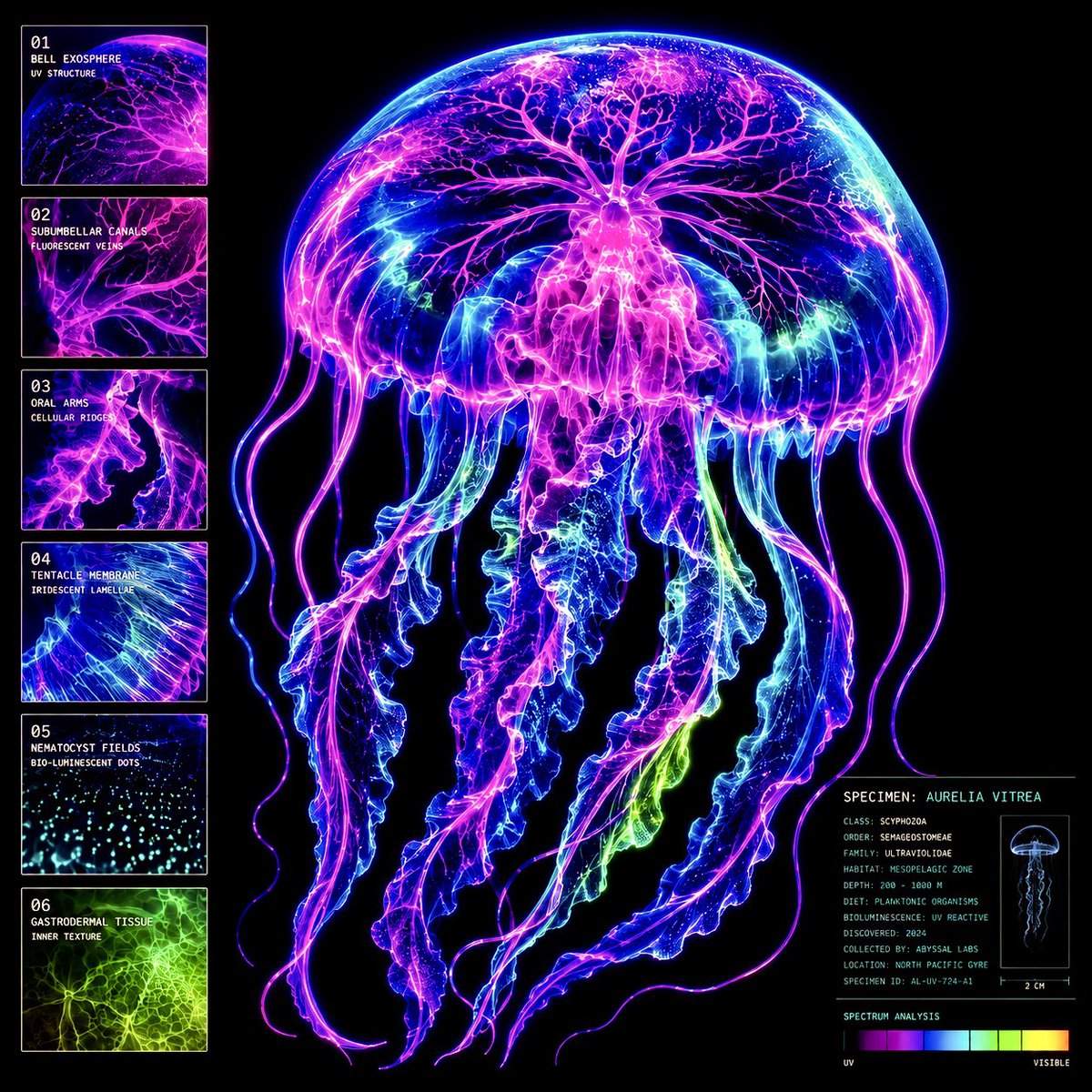

0 条评论
还没有评论,来抢沙发~