
示例图来源:LichAmnesia/awesome-ad-video-prompts · CC BY 4.0
心得与说明
这条教的是"实拍 + 动效图层":先写实拍画面,再写图层"贴在哪里、怎么出现、怎么消失"。关键词是"只在杯子表面""紧贴弧面""不溢出杯沿",限定图层范围,模型才不会把整个画面染色。
时长与镜头:8 秒四段:静态建立 → 图层出现 → 数据标签 → 拉远收尾。换成别的产品时,保持"先看到产品,再看到功能"的顺序。
怎么填变量:
- 空气净化器:图层改成"空气中的颗粒被吸入,颗粒颜色由灰变白",标签写"[PM2.5 12]"。
- 保温杯:标签写"[12 小时后 60°C]"。
- 扫地机:图层改成"地面上画出清扫路径线"。
常见失败与调整:
- 数字和文字出错:视频模型写字不稳定,标签尽量短;数字出错时删掉标签,后期在剪辑软件里加。
- 图层闪烁:写"图层平滑渐变,不闪烁",并减少同时出现的图形数量。
改编自 LichAmnesia/awesome-ad-video-prompts(awesome-ad-video-prompts contributors),许可证 CC BY 4.0。
英文原版
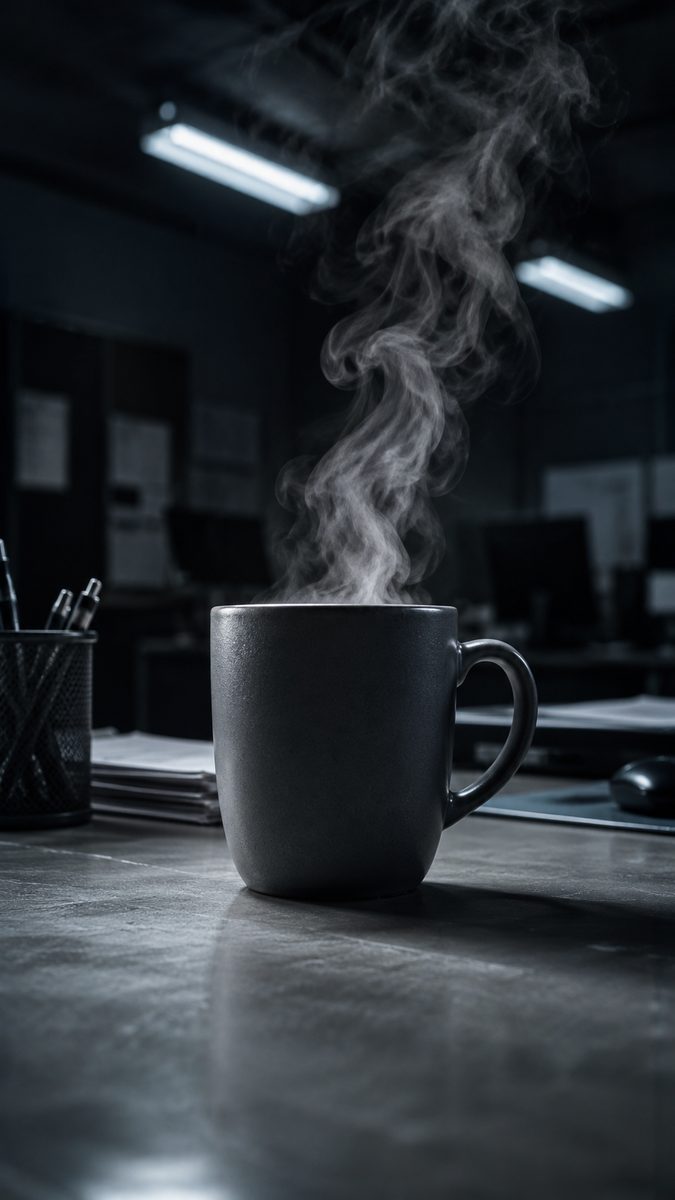
Clean tech explainer for a [brand] temperature-control smart mug. 0-2s: locked overhead shot on a matte-white desk, thin steam curling off black coffee, soft north-window morning light, gentle room ambience. 2-4s: a thermal data overlay blooms across only the mug surface — a smooth gradient shifting from cool blue to warm orange — as a fingertip taps the base sensor and a precise UI ring on the rim lights up segment by segment, the graphic mapped cleanly to the mug's curve. 4-6s: the camera arcs down to a three-quarter angle, the rising steam holding its shape, while a small floating temperature label snaps in and locks with a soft chime, the overlay settling to steady warm orange. 6-8s: a smooth pull-back reveals the full styled desk, the overlay dissolving last. The mug keeps identical shape, matte finish, handle angle, and proportions throughout — no warping, label distortion, overlay smearing past the rim, flicker, or doubled steam. Crisp neutral grade, ceramic-and-brushed-metal texture.同款作品
用这条提示词做出来的作品;原作者会因此获得积分
还没有同款,来做第一个。




0 条评论
还没有评论,来抢沙发~